
The Small Law Firm Cybersecurity Playbook — Chula Vista Edition 🌴⚖️
Plain-English quick wins + paste-ready SOPs your team can actually use. Law is about trust. Clients hand you real life: contracts, medical records, bank details. Your tech has to be tight—even if you’re a four-person shop running on cafecito and grit. This playbook gives you high-impact fixes you can do this week without blowing up your calendar or budget. ☕💼
DIY TECH TIPS
Angel Preciado
8/14/20251 min read
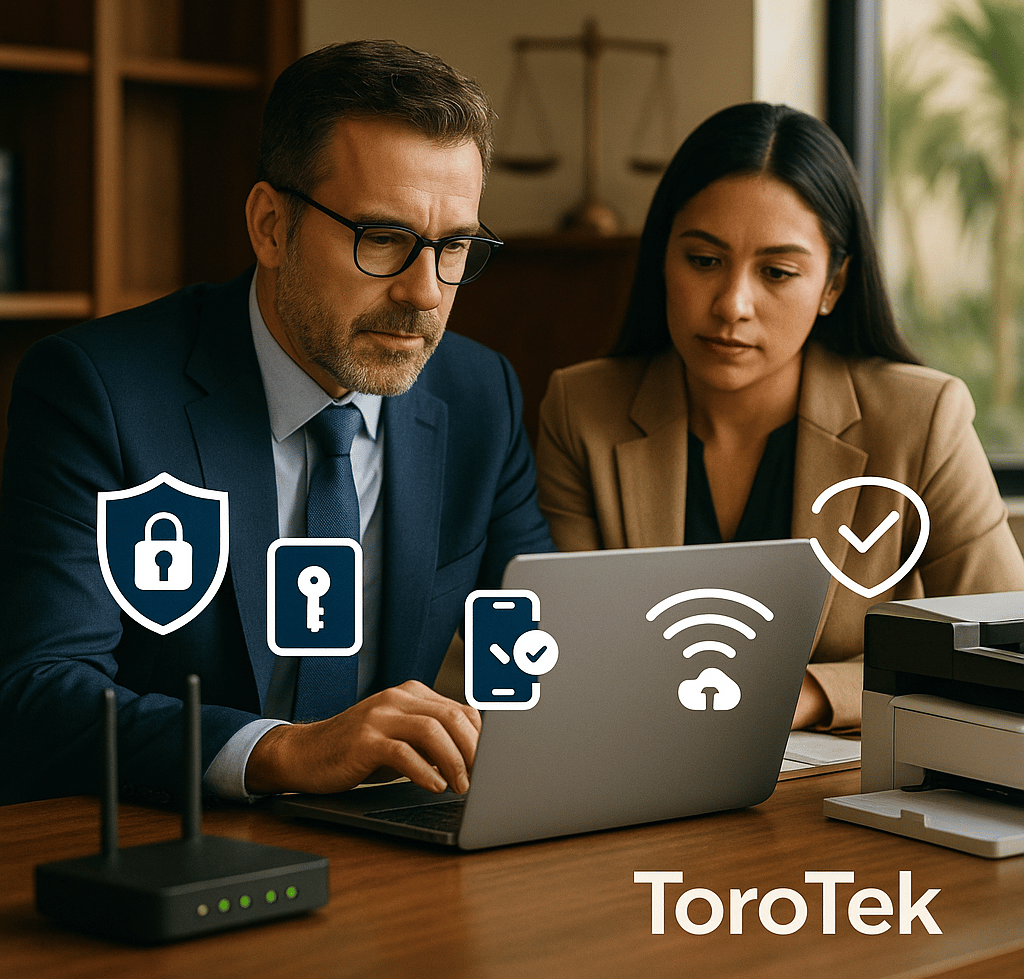
TL;DR: 8 Quick Wins (do these first) ⏱️
Encrypt every laptop with BitLocker. 🔐
Use a password manager, not a spreadsheet. 🗝️➡️📦
Change default admin logins on printers and routers. 🖨️🛜
Turn on MFA for email, practice management, and bank. ✅📲
Back up with 3-2-1 and test a restore. 💾🔁
Patch monthly (Windows, Office, browsers, Adobe). 🧩
Harden Wi-Fi: WPA3/WPA2-AES, WPS off, guest network. 📶🛡️
Keep a 2-page incident plan everyone can find. 📃🆘
Plain-English How-Tos (fast wins) 🛠️
BitLocker in 3 clicks: Start → Manage BitLocker → Turn on → save the recovery key. 🔐
Password managers > Excel: One master passphrase, shared vaults for firm accounts, MFA on the manager itself. 🧠📚
Router & printers: Log in → change admin password, update firmware, disable WPS/Wi-Fi Direct, set Guest Wi-Fi. 🛠️🖨️
3-2-1 backups: 3 copies, 2 media types, 1 off-site/offline; run a test restore monthly. 💾🏦
Why this matters to small firms 🎯
These basics (encryption, MFA, patching) block most small-firm incidents. 🧱
Written routines = evidence of due care if anyone ever asks. 🧾
The real magic is boring consistency—a monthly checklist, done. 📆✅
Downloadable, Copy-Paste SOPs 📥
Each SOP has: Before You Start (prep), Step-by-Step, Done-Right Checklist, When to Call ToroTek, and a contact block. Easy to train, easy to audit.
📄 SOP A — New-Hire IT Setup (10–20 min)
📄 SOP B — Employee Off-boarding (15–30 min)
📄 SOP C — Monthly Security Checklist (30–60 min)
📄 SOP D — Lost/Stolen Device: 5-Step Rapid Response
📄 SOP E — “Is This Phishing?” Quick Triage
📄 SOP F — Router & Printer Hardening (Quarterly)
“Do-This-Week” Mini-Plan 🗂️
Day 1: Turn on BitLocker + save recovery keys. 🔐
Day 2: Roll out the password manager + MFA. 🗝️📲
Day 3: Patch devices + quick backup restore test. 🧩💾
Day 4: Router & printer hardening (WPS off, new admin creds). 🛜🖨️
Day 5: Print your 2-page incident plan and show staff where it lives. 📃📍
Done-for-You Options from ToroTek 🤝
Free year of automated patching + monthly reports (limited local slots). 🆓🧩
Password manager rollout & training (shared vaults, MFA, onboarding). 🎓
Full-disk encryption & backup setup (plus restore drill). 🔐💾
Router/Printer hardening & Wi-Fi tune-up (guest network, WPS off). 🛠️📶
Custom “Oh-No” Incident Plan for your practice areas. 🆘📘
Hablamos español.
📞 Call/Text: 619-376-6995
✉️ Email: info@toro-tek.com
🌐 Web: torotekllc.com
Get Free Tech Tips & Security Alerts – Monthly
© 2026. All rights reserved. Powered by ToroTek.


Support: 619.376.6995
General Inquiries: info@toro-tek.com
Sales: sales@toro-tek.com
ToroTek is a San Diego-based technology partner supporting small and mid-sized businesses across Southern California with managed IT, cybersecurity, Microsoft cloud, and infrastructure. Support and critical-response coverage are defined by each service agreement.